
1) Abre la aplicación de tu banco (la mayoría admite **Zelle®**).
2) Elige **Enviar** y selecciona **Escanear QR** (o agrega el destinatario).
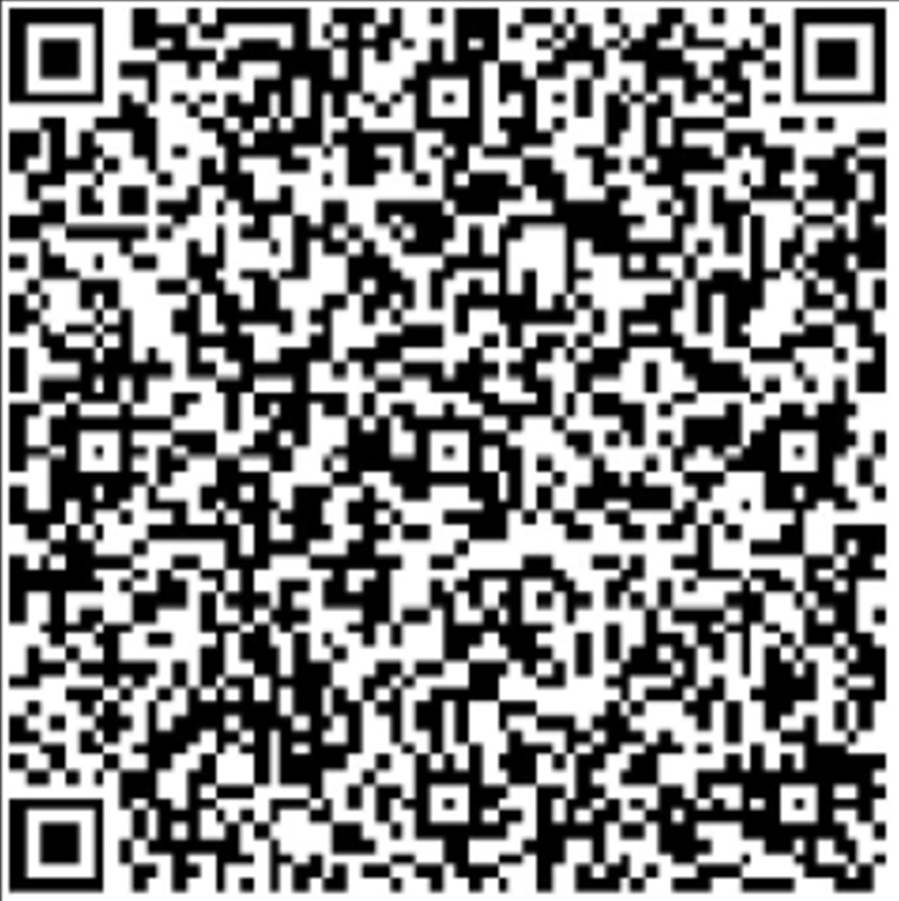
3) Escanea el código QR de esta página.
4) Confirma el destinatario y el monto, y envía.
**Destinatario (para ingresar manualmente):** –
Correo: FN3201@KOFCASSEMBLY3201.ORG
1) Open your banking app (most banks support **Zelle®**).
2) Choose **Send** and select **Scan QR** (or add recipient).
3) Scan the QR code on this page.
4) Confirm the recipient and amount, then submit.
**Recipient (for manual entry):** –
Email: fn3201@kofcassembly3201.org